Stable anchor
Check that the feet or character center stay on the same coordinates across every frame.
Sprite animation reference
Use these sprite sheet examples to plan readable walk, idle, run, and attack animations before you generate your own frames.
Compare actions at a glance
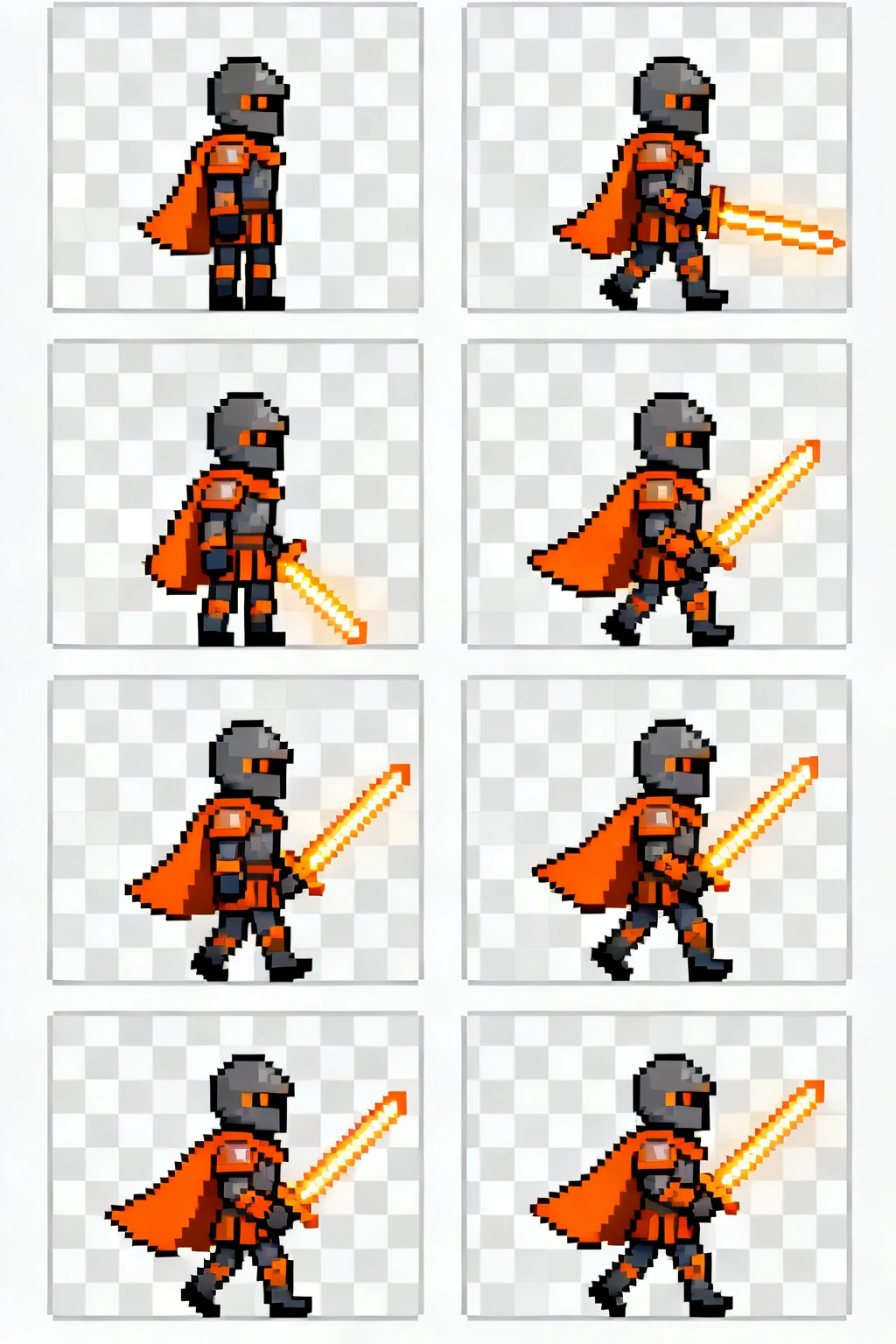

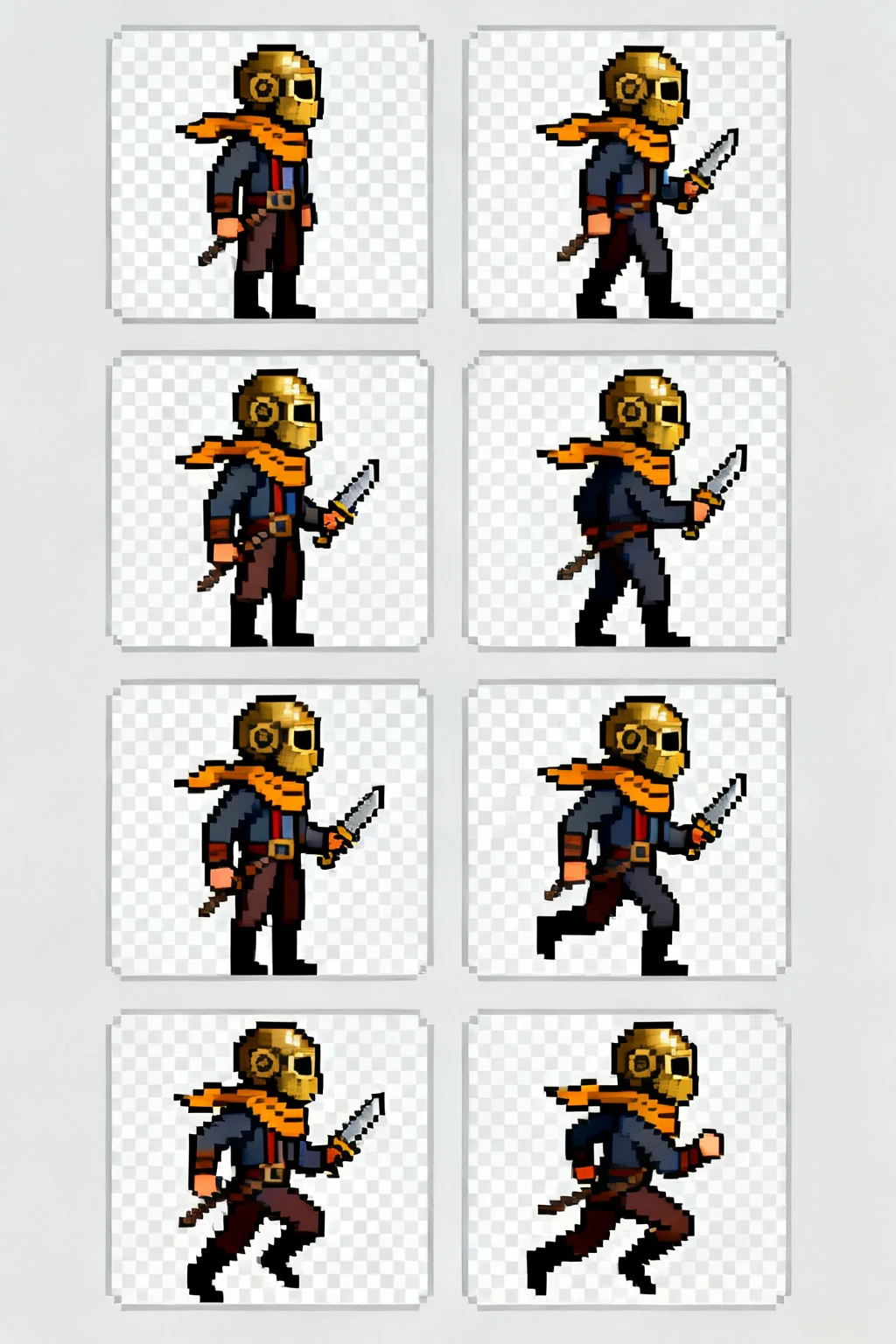
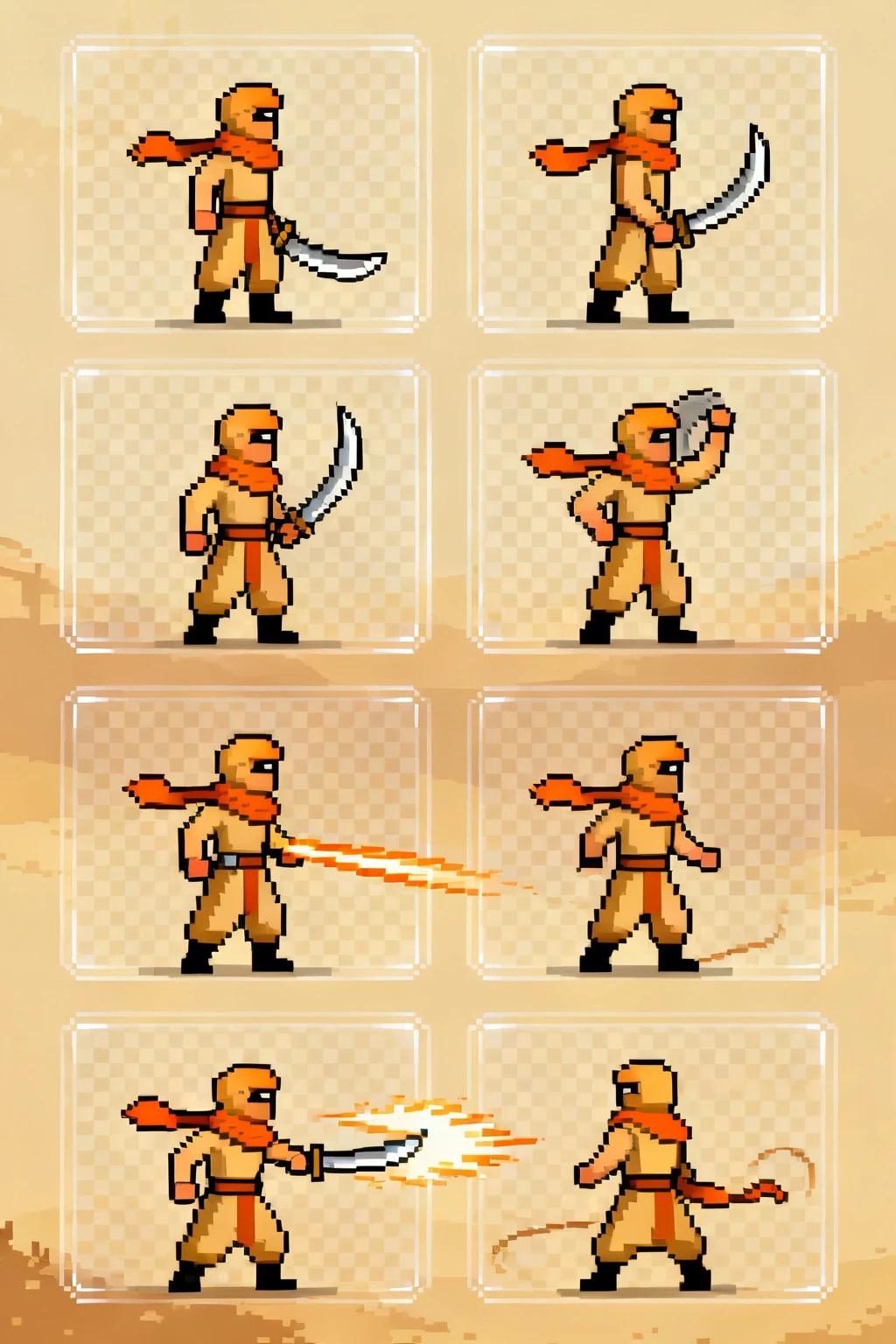
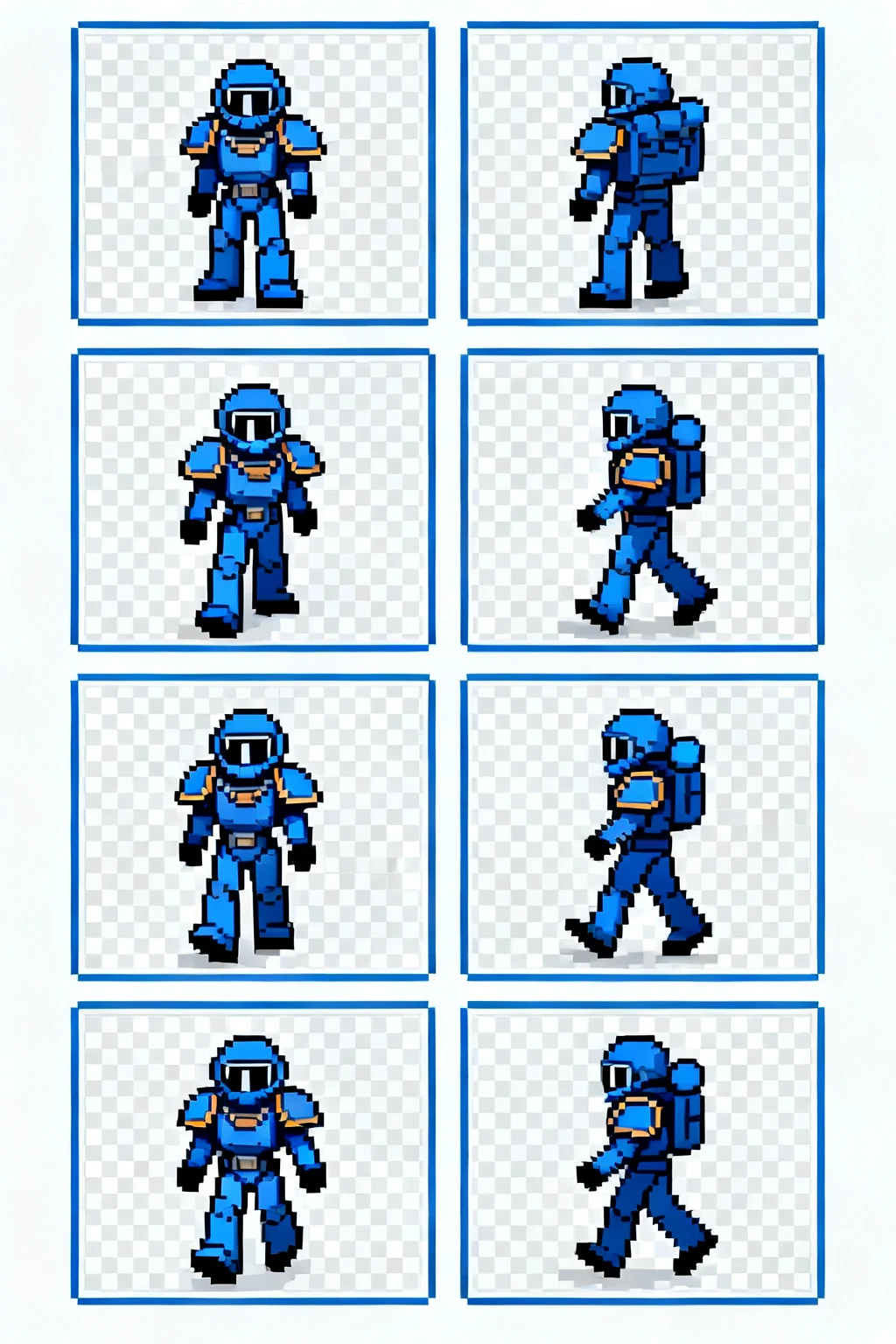
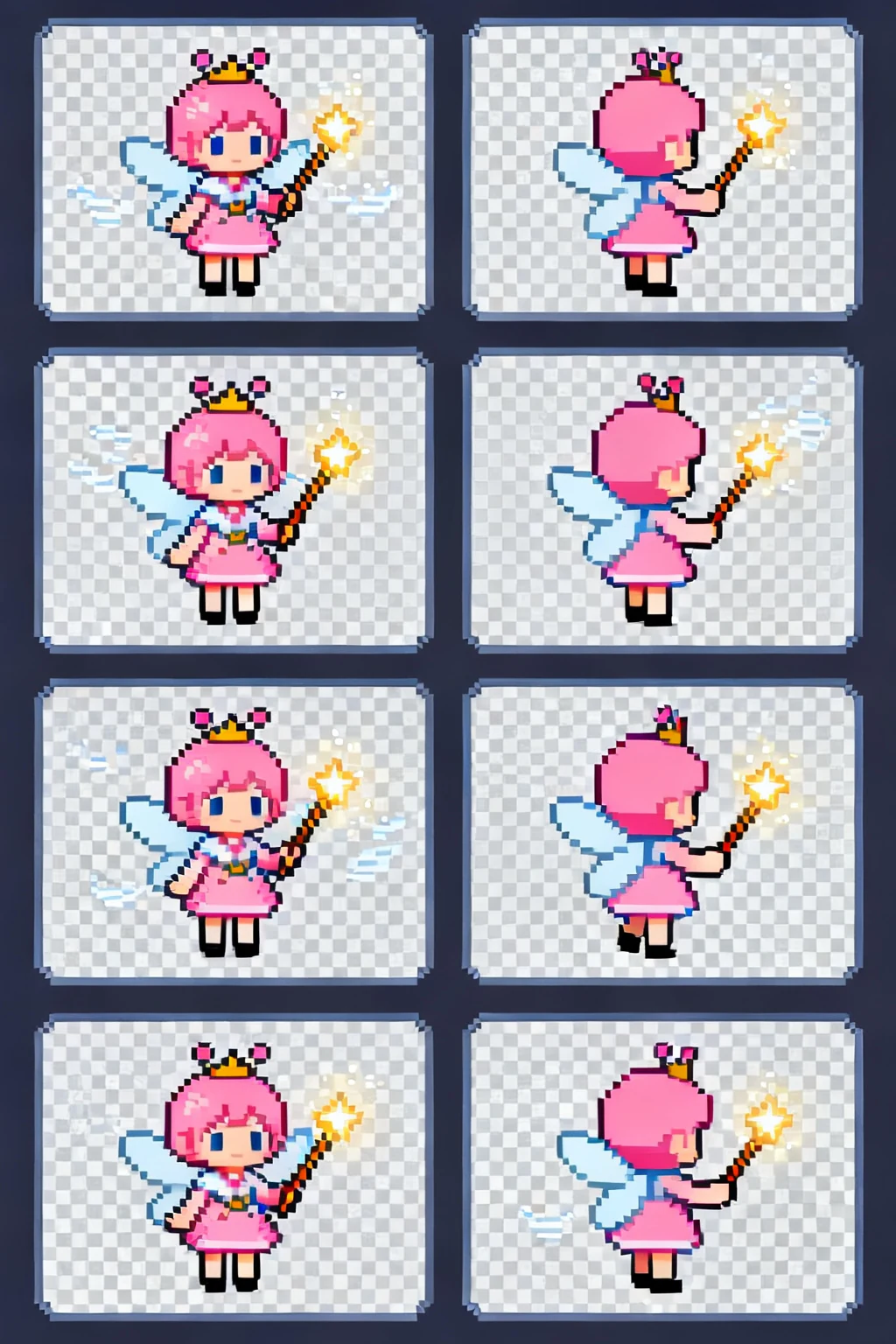
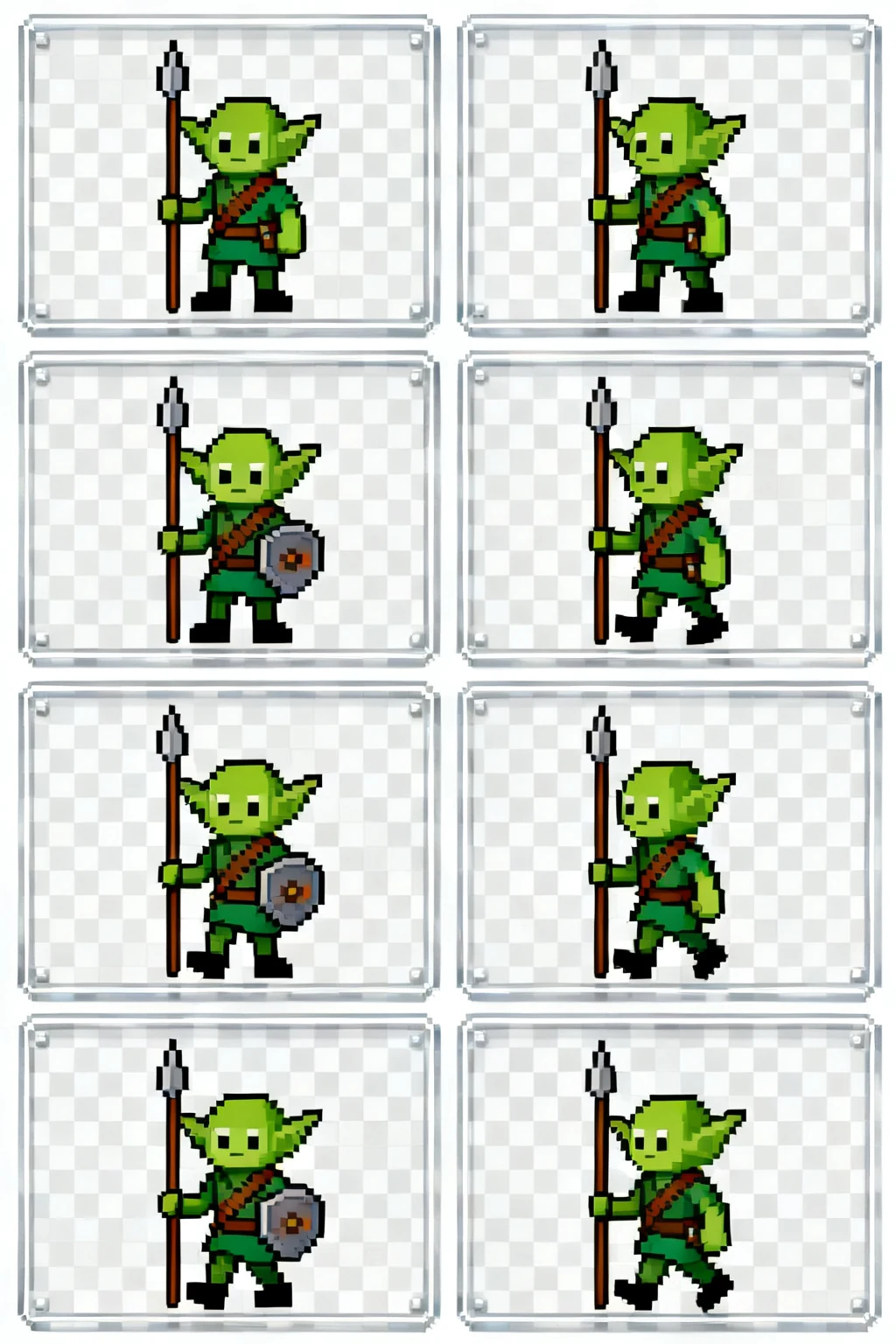
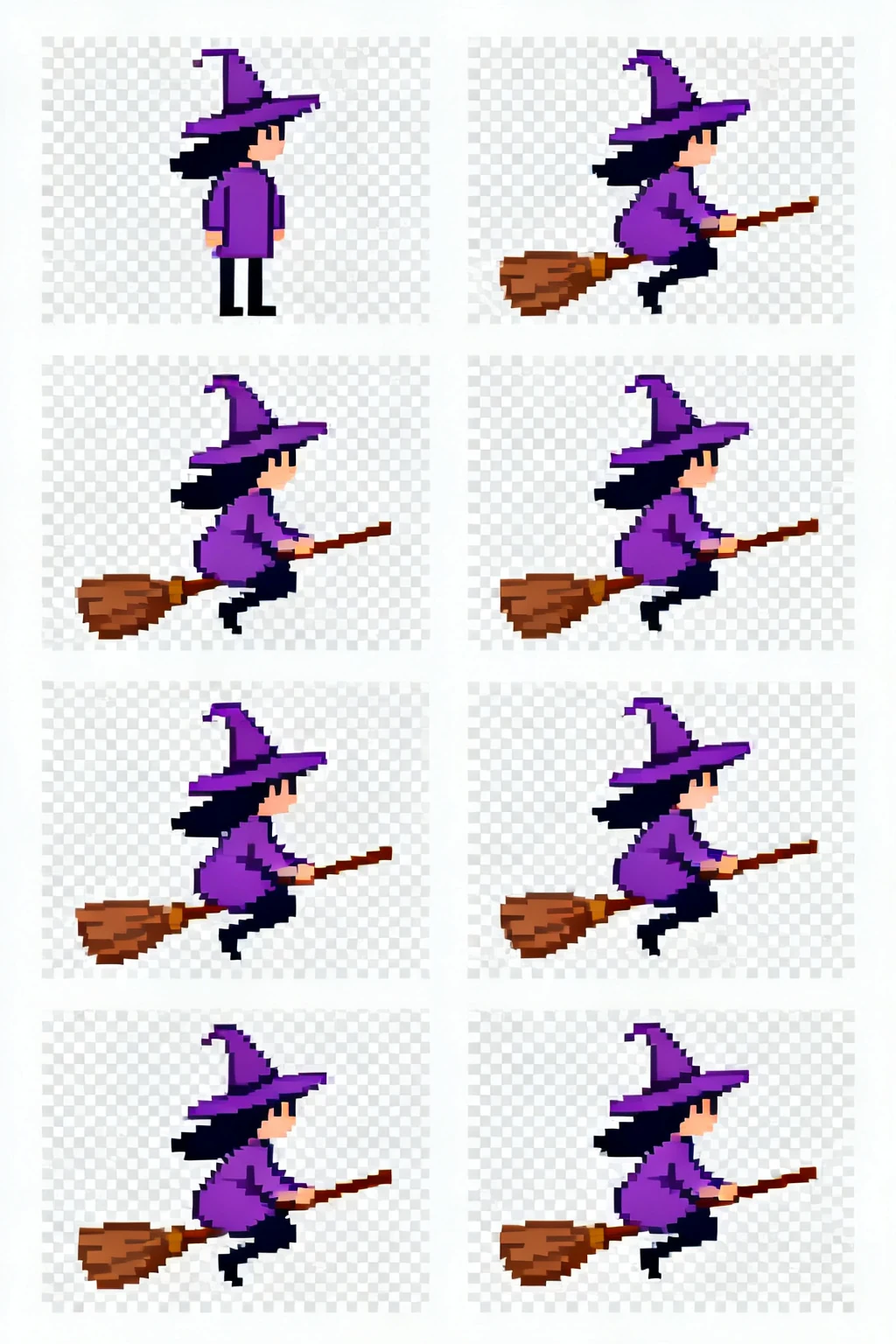
A grid makes pose changes, timing, and silhouette consistency easier to review before import.
Check that the feet or character center stay on the same coordinates across every frame.
Each frame should advance the action without losing the character's silhouette at game scale.
Compare the final frame with the first and look for a sudden scale, position, or lighting jump.
Built for production-minded game makers
A practical workflow
Pick an action, direction, and art direction that match the character you want to animate.
Generate or refine the sheet, then inspect the grid for readable silhouettes and consistent timing.
Export the frames and follow your engine's sprite import settings for slicing and playback.
Start with the smallest loop that communicates the action. A readable walk can be short; attacks often need anticipation and recovery frames.
Yes. A consistent frame size and aligned character origin make slicing and collision setup much simpler in a game engine.
Check frame order, transparent background needs, grid dimensions, and whether the animation reads at your game's target size.