AI Sprite Sheet Generator for Game Animation
Create consistent sprite sheets from a prompt or reference image. Generate walk, run, idle, and attack animations, then preview and split every frame.
- Prompt or reference image
- Walk, run, idle, and attack
- Preview and split in your browser
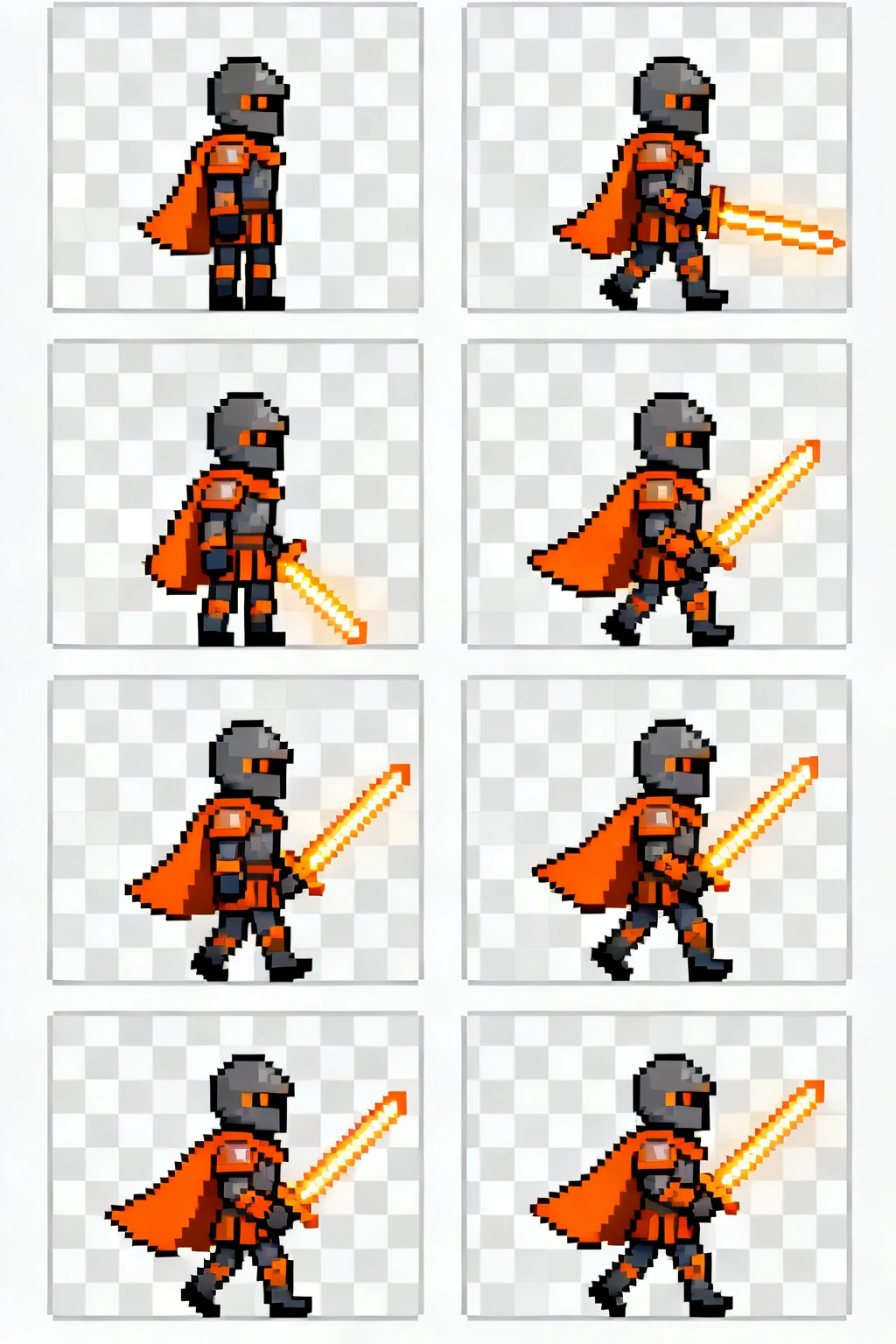
Ember knight · walk cycle
8 poses · consistent frame layout
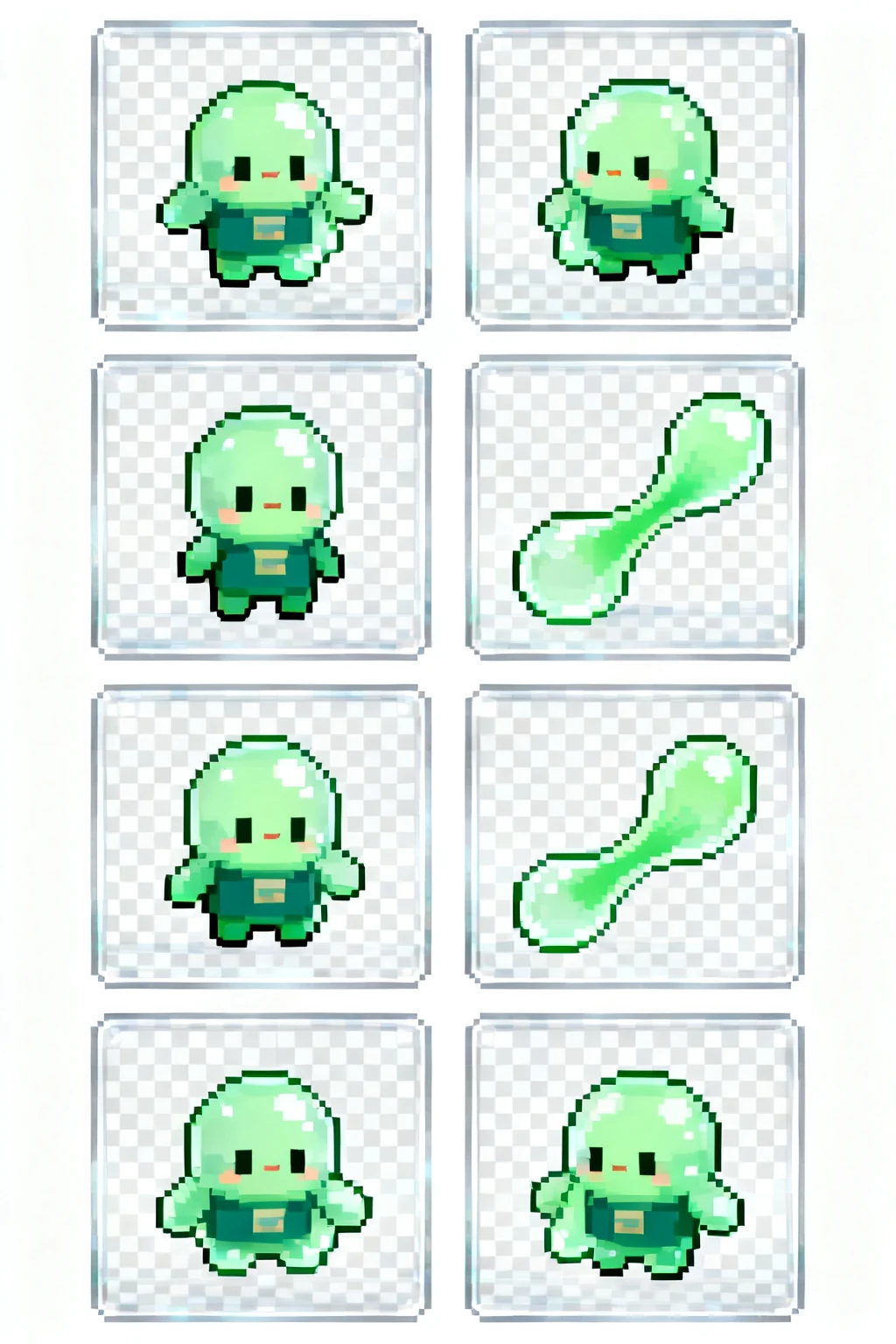
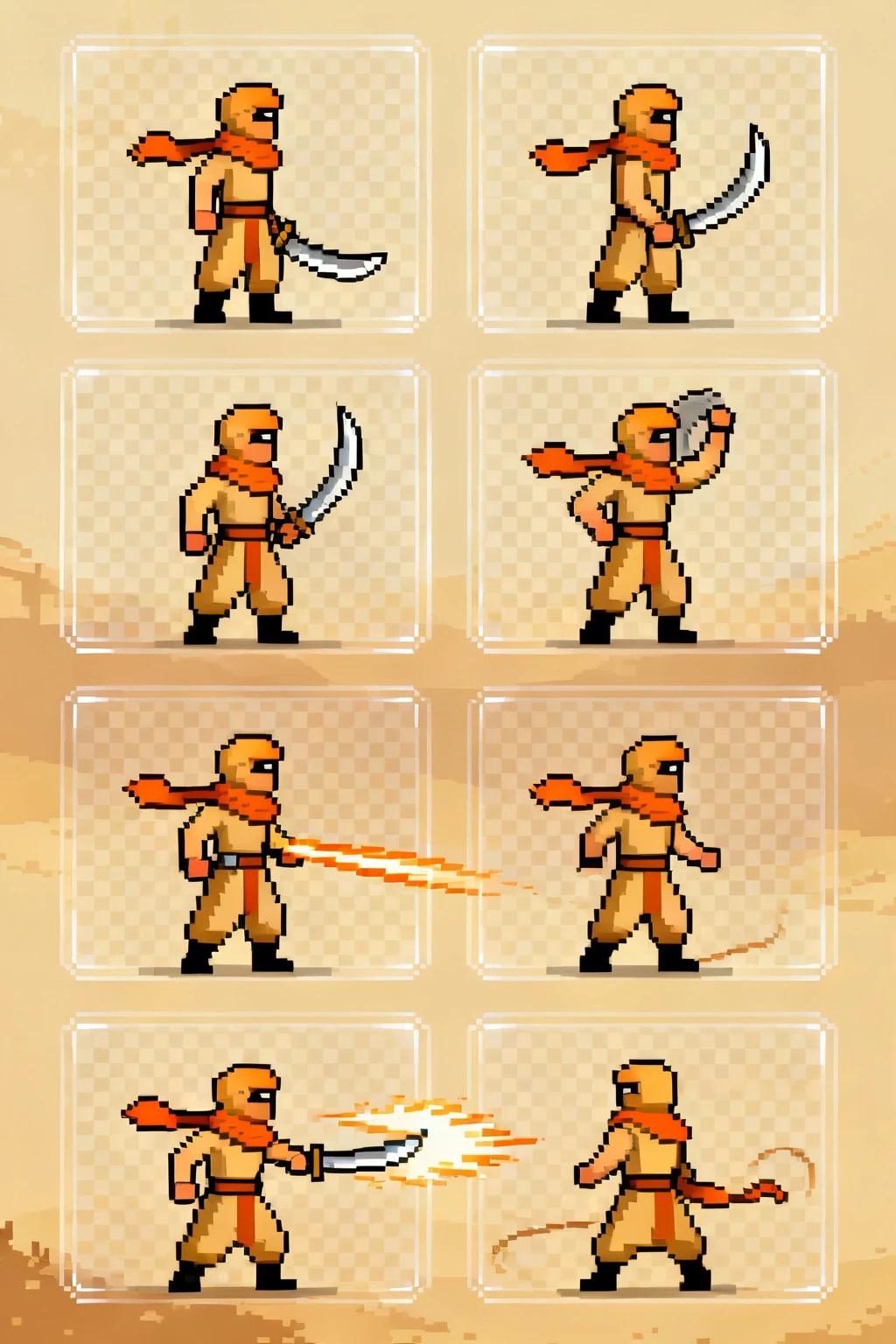
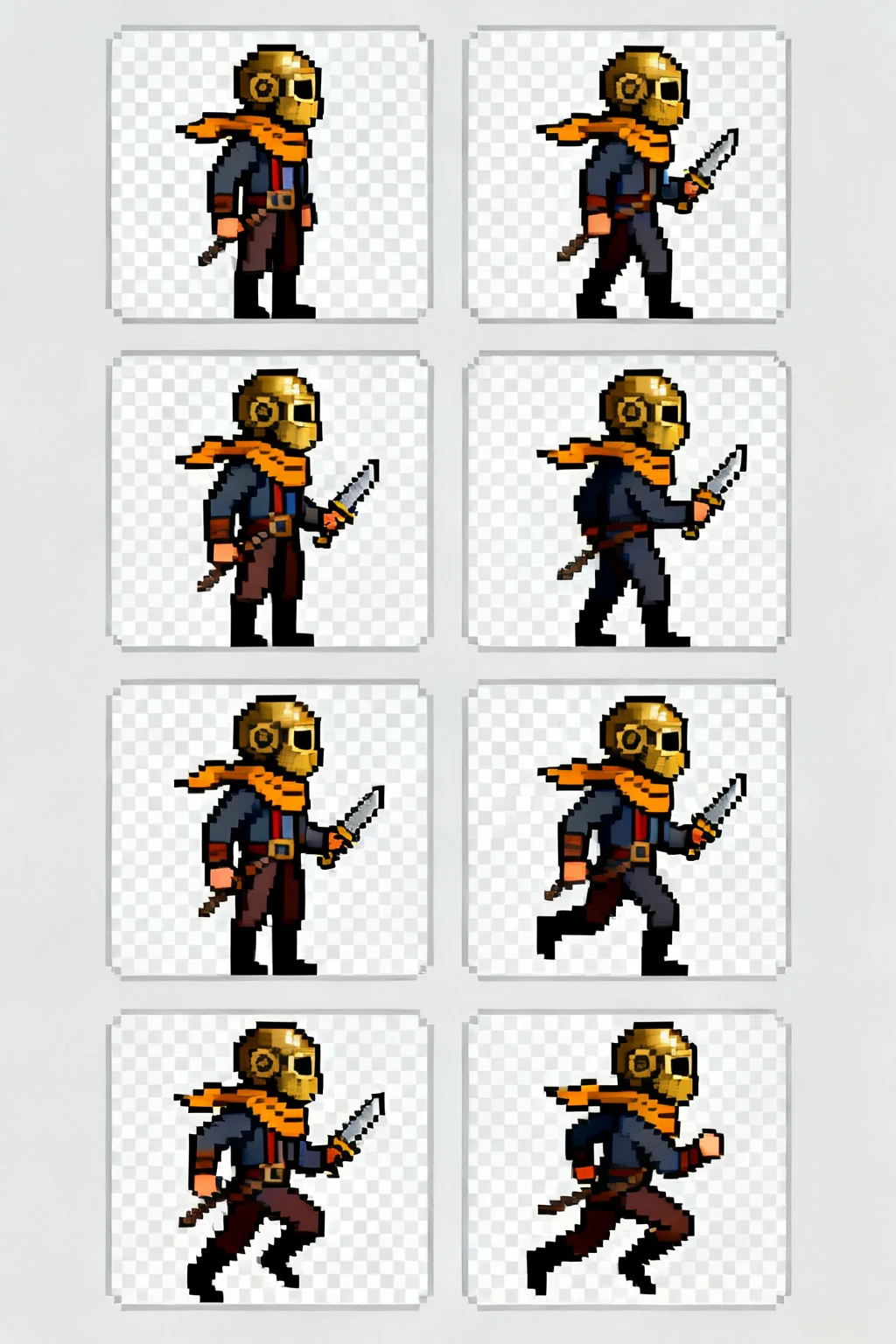
See the output
Sprite sheet examples built around real game actions
Compare character poses, silhouettes, and frame progression before you write your own animation brief.
A complete sprite workflow
Go from character idea to usable animation frames
Plan one readable action, generate the full sequence, then inspect and prepare every frame for your game engine.
- 01
Define the motion
Choose an action, direction, art style, and frame layout before generation so the sequence has one clear job.
Explore action guides - 02
Generate the sheet
Start from a written prompt or a character reference image and create the animation as one sprite sheet.
Open the generator - 03
Inspect and split
Preview the motion, confirm the grid, and split the sheet into individual frames before importing it.
Use the free splitter
More than image generation
One workspace for creating and preparing sprite sheets
Use the AI generator for the first sequence, then continue with focused browser tools and practical engine guides.
AI sprite sheet generator
Describe a character or upload a reference image, choose an action and layout, and generate the full animation sheet.
Example generation brief
A small forest ranger walking east, side view, pixel-art game sprite, eight clear poses in a uniform grid.
Free sprite sheet splitter
Set the rows and columns, inspect the grid, and turn one sheet into separate frame files.
Split a sprite sheetAnimation preview
Play the frames as a loop and adjust the speed to catch timing or ordering problems early.
Unity and Godot import guides
Continue from a generated sheet to slicing, import settings, and playback inside your game engine.
Start with the action your game needs
A focused motion brief usually produces a more useful sequence than asking for every animation at once.
Before you generate
AI sprite sheet generator questions
Practical answers about animation grids, game-engine import, and using reference material.
Build the next animation
Turn one character brief into a complete sprite sheet
Choose a clear action, generate the frame sequence, and use the free browser tools to prepare it for your project.