Contact poses
Make the leading foot contact clear so the player can read weight and travel direction.
Character movement
Generate a looping walk cycle sprite sheet with deliberate contact, passing, and stride poses for your game character.
A readable walk loop
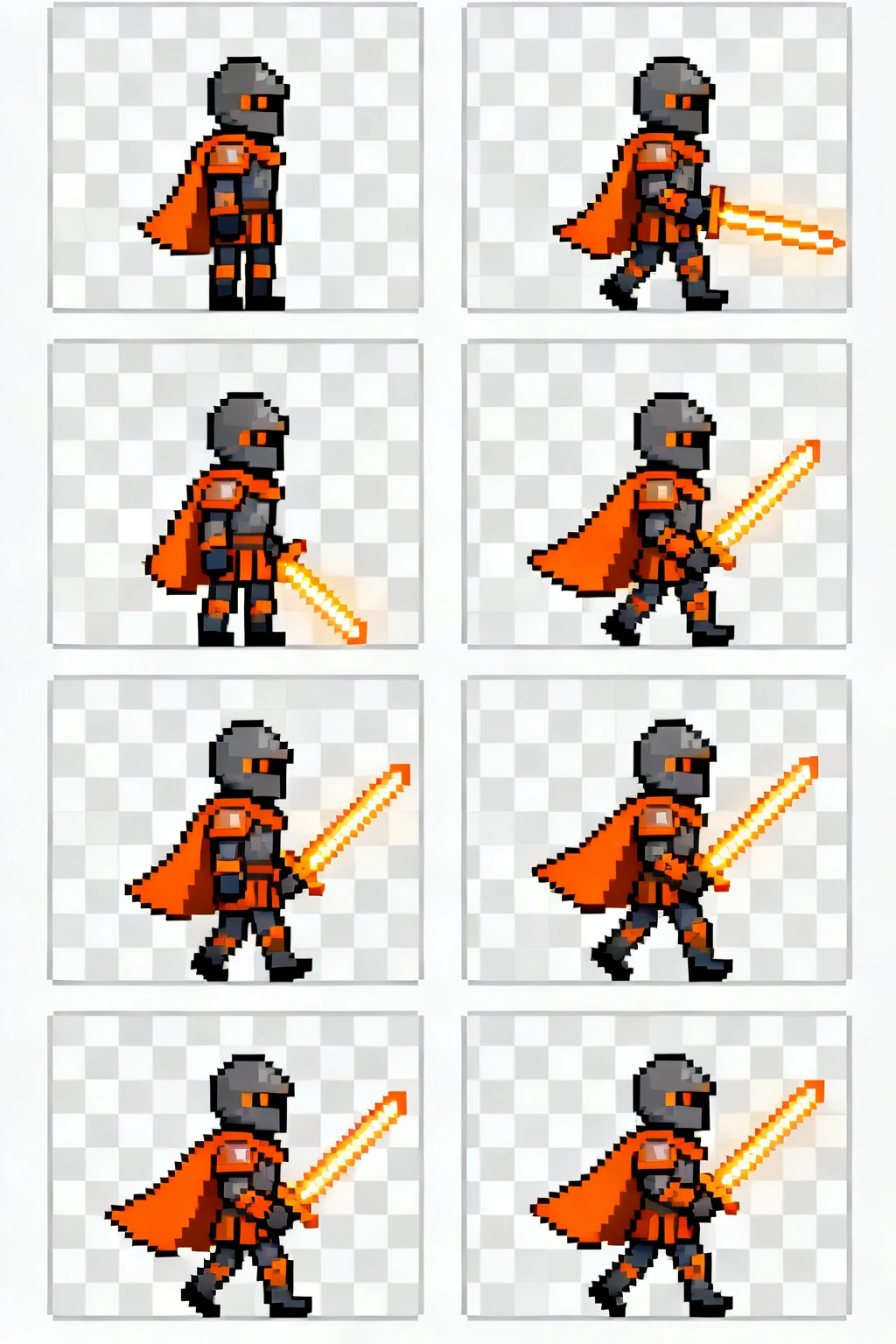
Plan the contact and passing poses first, then keep the silhouette and character placement consistent across the loop.
Make the leading foot contact clear so the player can read weight and travel direction.
Keep the planted leg and moving leg distinct while the body passes over its center of mass.
Align the feet to one baseline unless the character is intentionally moving vertically.
Built for production-minded game makers
A practical workflow
Pick an action, direction, and art direction that match the character you want to animate.
Generate or refine the sheet, then inspect the grid for readable silhouettes and consistent timing.
Export the frames and follow your engine's sprite import settings for slicing and playback.
Start with the smallest loop that communicates the action. A readable walk can be short; attacks often need anticipation and recovery frames.
Yes. A consistent frame size and aligned character origin make slicing and collision setup much simpler in a game engine.
Check frame order, transparent background needs, grid dimensions, and whether the animation reads at your game's target size.