Anticipation
Show the wind-up clearly enough for the player and opponent to recognize the coming action.
Combat animation
Create an attack animation sheet with anticipation, impact, and recovery poses that make game combat easier to read.
Make the impact legible
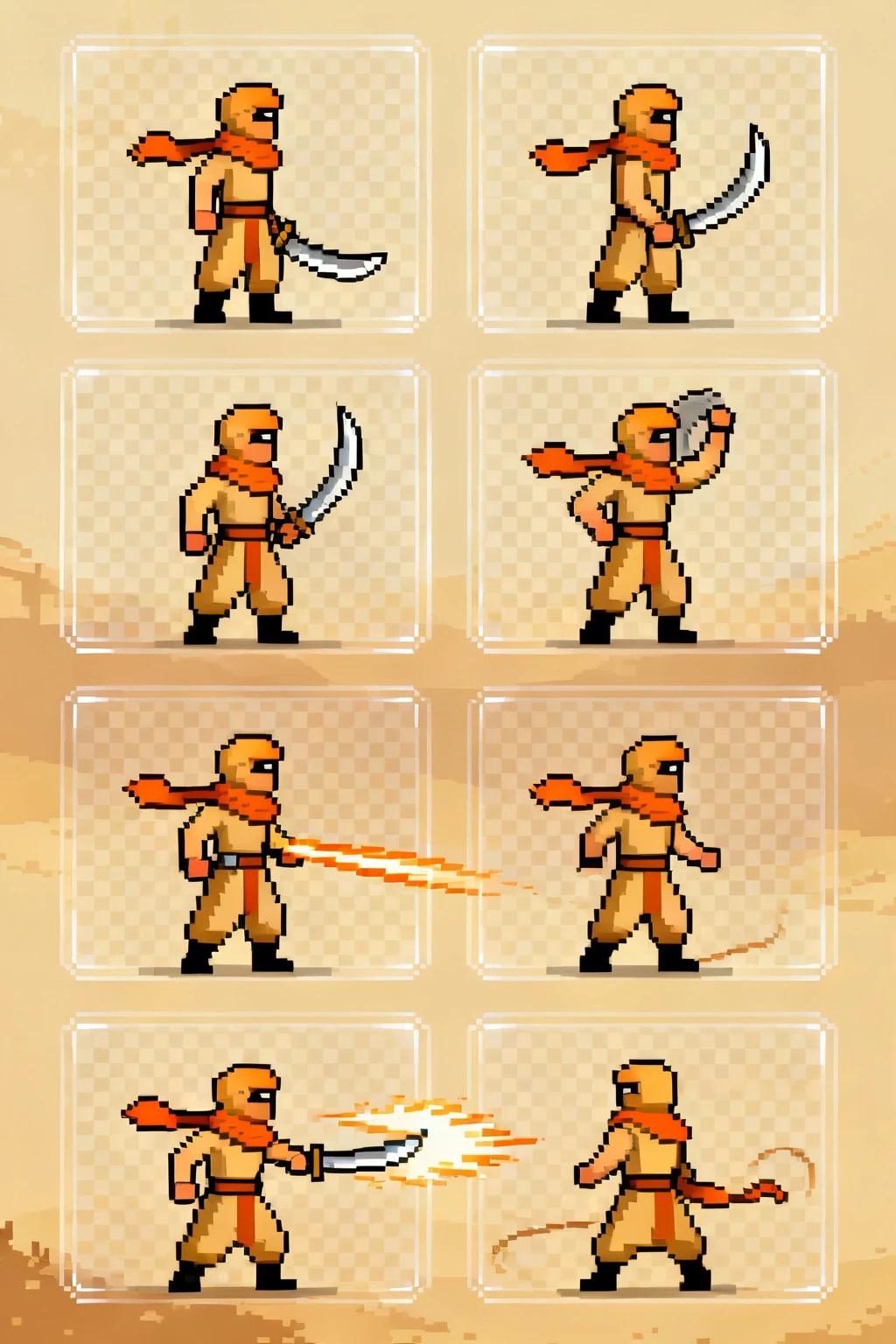
Separate wind-up, contact, and recovery so the player can read the attack without losing the character's identity.
Show the wind-up clearly enough for the player and opponent to recognize the coming action.
Use the strongest silhouette at contact and leave room for the weapon, effect, or hitbox.
Return the body toward its gameplay stance without changing costume or scale between frames.
Built for production-minded game makers
A practical workflow
Pick an action, direction, and art direction that match the character you want to animate.
Generate or refine the sheet, then inspect the grid for readable silhouettes and consistent timing.
Export the frames and follow your engine's sprite import settings for slicing and playback.
Start with the smallest loop that communicates the action. A readable walk can be short; attacks often need anticipation and recovery frames.
Yes. A consistent frame size and aligned character origin make slicing and collision setup much simpler in a game engine.
Check frame order, transparent background needs, grid dimensions, and whether the animation reads at your game's target size.